
Tips for Creating a Comfortable and Productive Home Workspace
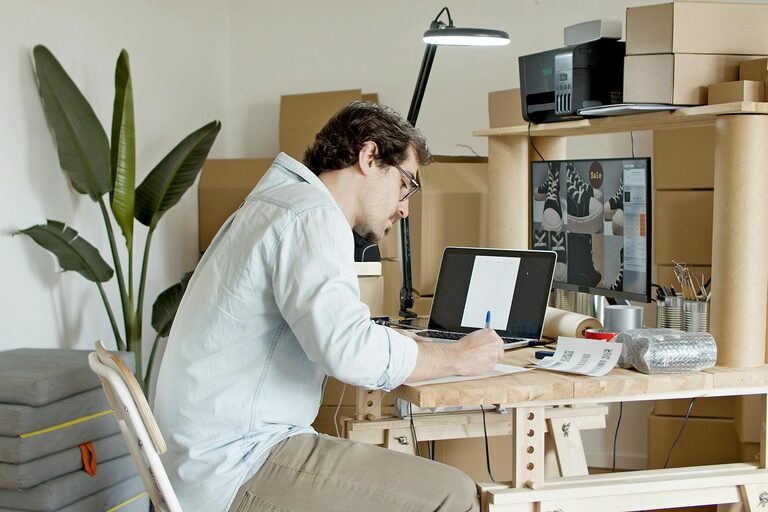
Creating a home workspace that blends comfort with productivity is key to working effectively, especially as more people embrace remote work or flexible schedules. A thoughtfully designed space can improve focus, reduce stress, and help maintain a healthy work-life balance. Whether you have a dedicated room or just a small corner, these tips will guide you in setting up a comfortable and efficient workspace at home.
1. Choose the Right Location
The foundation of a productive home office starts with choosing the best spot.
– Quiet and Private: Select a space with minimal distractions. If possible, choose a room or corner away from household noise and traffic.
– Natural Light: Position your desk near a window to take advantage of natural light, which helps reduce eye strain and boosts mood.
– Adequate Space: Make sure there is enough room for your desk, chair, and any other necessary equipment or files.
2. Invest in Ergonomic Furniture
Comfort is crucial for long work hours, and an ergonomic setup helps prevent discomfort and injury.
– Ergonomic Chair: Choose a chair with adjustable height, lumbar support, and comfortable padding.
– Desk Height: Your desk should allow your elbows to rest at a 90-degree angle when typing.
– Monitor Position: Place your computer monitor at eye level and about an arm’s length away to avoid neck and eye strain.
3. Organize Your Workspace Thoughtfully
An orderly workspace promotes focus and efficiency.
– Declutter Regularly: Keep only essentials on your desk. Store documents and supplies in drawers or organizers.
– Cable Management: Use clips or sleeves to keep cables tidy and prevent tangling.
– Accessible Supplies: Keep frequently used items within reach to minimize interruptions.
4. Optimize Lighting
Proper lighting can drastically improve your working conditions.
– Balance Light Sources: Use a mix of natural light and adjustable task lighting.
– Avoid Glare: Position your monitor perpendicular to windows or bright lights to reduce glare.
– Use Warm or Cool Lights Appropriately: Warm lighting creates a cozy feel, while cooler lights can help with concentration during the day.
5. Personalize Your Space
Adding personal touches can make your workspace more inviting and motivating.
– Decorate Mindfully: Use artwork, photos, or plants to create a pleasant environment without cluttering.
– Incorporate Greenery: Plants can improve air quality and reduce stress.
– Choose Calming Colors: Soft, neutral tones can promote relaxation, while vibrant accents can boost energy.
6. Minimize Distractions
Maintaining focus at home can be challenging.
– Set Boundaries: Communicate your work hours and space rules with family or housemates.
– Use Noise Controls: Consider noise-canceling headphones or white noise machines.
– Limit Digital Interruptions: Turn off non-essential notifications and keep social media out of reach during work periods.
7. Maintain Good Posture and Take Breaks
Regular movement and proper posture are essential for health and productivity.
– Posture Tips: Sit with feet flat on the floor, back straight, and shoulders relaxed.
– Stretch Often: Stand up and stretch or walk for a few minutes every hour.
– Use a Timer: Remind yourself to take short breaks to reduce fatigue.
8. Keep Technology Updated and Functional
Reliable technology supports smooth work without unnecessary frustration.
– Regular Updates: Keep your software and hardware up to date to avoid security issues and bugs.
– Backup Plan: Use cloud storage or external drives to save important files.
– Comfortable Accessories: Invest in quality keyboards, mice, and headphones that reduce strain.
9. Maintain a Healthy Work-Life Balance
Creating mental separation between work and home life is vital.
– Dedicated Workspace: Avoid working from bed or the couch to create clear physical separation.
– Create a Routine: Start and end your workday consistently to set boundaries.
– End-of-Day Ritual: Develop a habit that helps you transition from work mode, such as a short walk or tidying your desk.
Conclusion
Designing a comfortable and productive home workspace takes some planning, but the benefits are well worth it. By selecting the right location, prioritizing ergonomics, organizing thoughtfully, and minimizing distractions, you can create an environment that supports both your productivity and well-being. Remember, your workspace should work for you — make adjustments that fit your needs and preferences as you go. Happy working from home!
Related Post
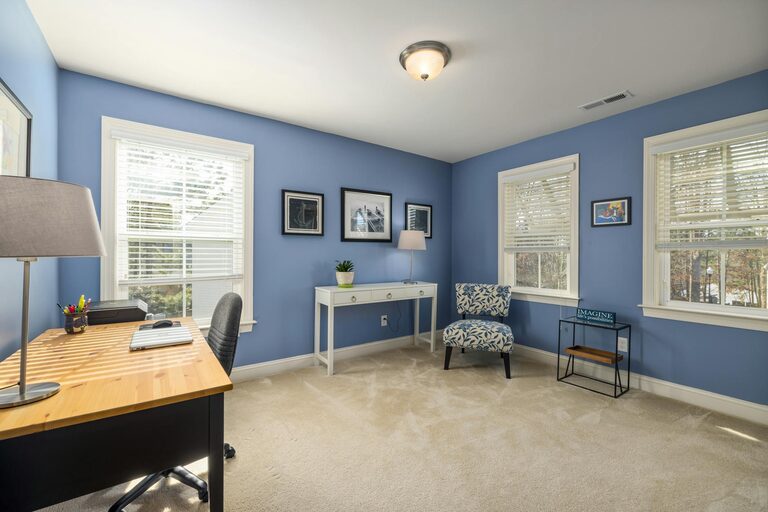
Tips for Creating a Cozy and Inviting Home Workspace
Discover practical ways to design a cozy and inviting home workspace that boosts comfort and [...]
Tips for Creating a Cozy and Inviting Home Workspace
Discover simple and effective ways to design a cozy and inviting home workspace that boosts [...]
How to Create a Cozy and Productive Home Workspace
Discover practical tips to design a home workspace that boosts comfort and productivity, making your [...]